I've liked the idea of learning languages since I left high school. I can read non-fiction stuff in German with decent success after 3 years of consistently studying it at Uni, so I'm not entirely new to the mechanics of learning.
My normal flow for learning a new word was pretty basic, add it to an Anki deck, write it down each time I got the meaning wrong, and bash my head against it till it stuck. At some point in (checks commit history...) 2023 I decided hey lets learn Mandarin Chinese and this strategy became pretty unusable.
At this point, I did what any good dev would do and instead of actually doing the thing I set out to do, I made a complex web app to help me do it in the future. https://characterpractice.acarling.au/
Let's break it down:
Why do you need this?
Ok I'll just start by saying that this app legitimately did help me progress, I learnt about my first 200 mandarin words through it in the remainder of the summer holidays after writing the app and before my legitimate Uni course started. It made the start of the courses a lot lighter on vocab. This meant that I had a lot of room to extend myself and focus on grammar which I thought was helpful.
Now that I've justified that to myself, let's get into why I think it was better than Anki for my use case and pretend I didn't just do this whole thing because I like coding and get distracted easily.
It basically came down to the fact that unlike with German, you are unable to pronounce or even write Chinese characters properly (at first) before you've been at least superficially introduced.
This basically meant that my two main memorisation strategies that I used with Anki, that is: saying the word out loud and writing the word down, wouldn't work with Chinese. I found that I was going for entire learning sessions without learning a single word because I would see the character, have no idea what I was looking at and have no way to guess and then immediately forget the word. This led to significant boredom, card repeats, and a feeling like I wasn't making any progress.
The main benefit of this site was that I could learn the words at my own pace, then add them to a flashcard deck to cement and retain that familiarity. This not only lifted my spirits a lot, but also sped up my learning process.
Implementation notes:
As someone who learnt to code before they had a stable income my style is basically Save as much money as possible at all costs. Because of this the entire seed dictionary is stored in a JSON object I grab from a GitHub raw link, and all user data lives in the browser's IndexedDB, there is no server-side compute. I did all this after setting up the entire thing in DynamoDB, using it for a few days just to realise I got charged like 20c or something then panic implementing a local cache which ended up replacing the DynamoDB altogether.
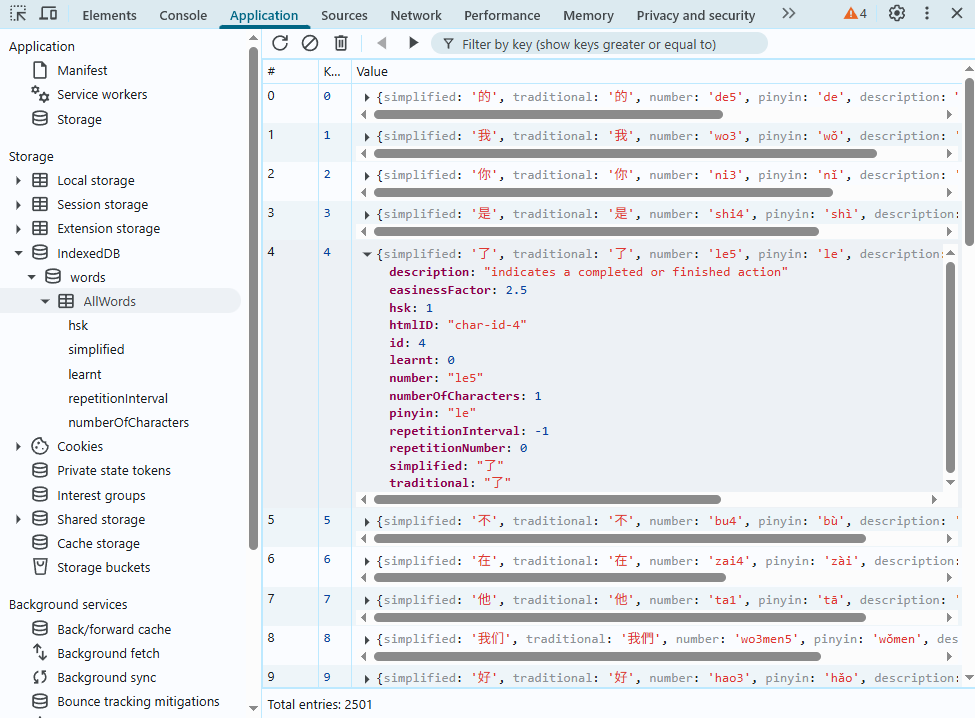
The entire thing is written in Vue+JavaScript, I handled IndexedDB interaction through a big file with a bunch of accessor functions (I don't know how I used to do it). I definitely would not do this now. First off, Typescript please, secondly the IndexedDB interface is very verbose and full of boilerplate, I'd use something like Dexie now.
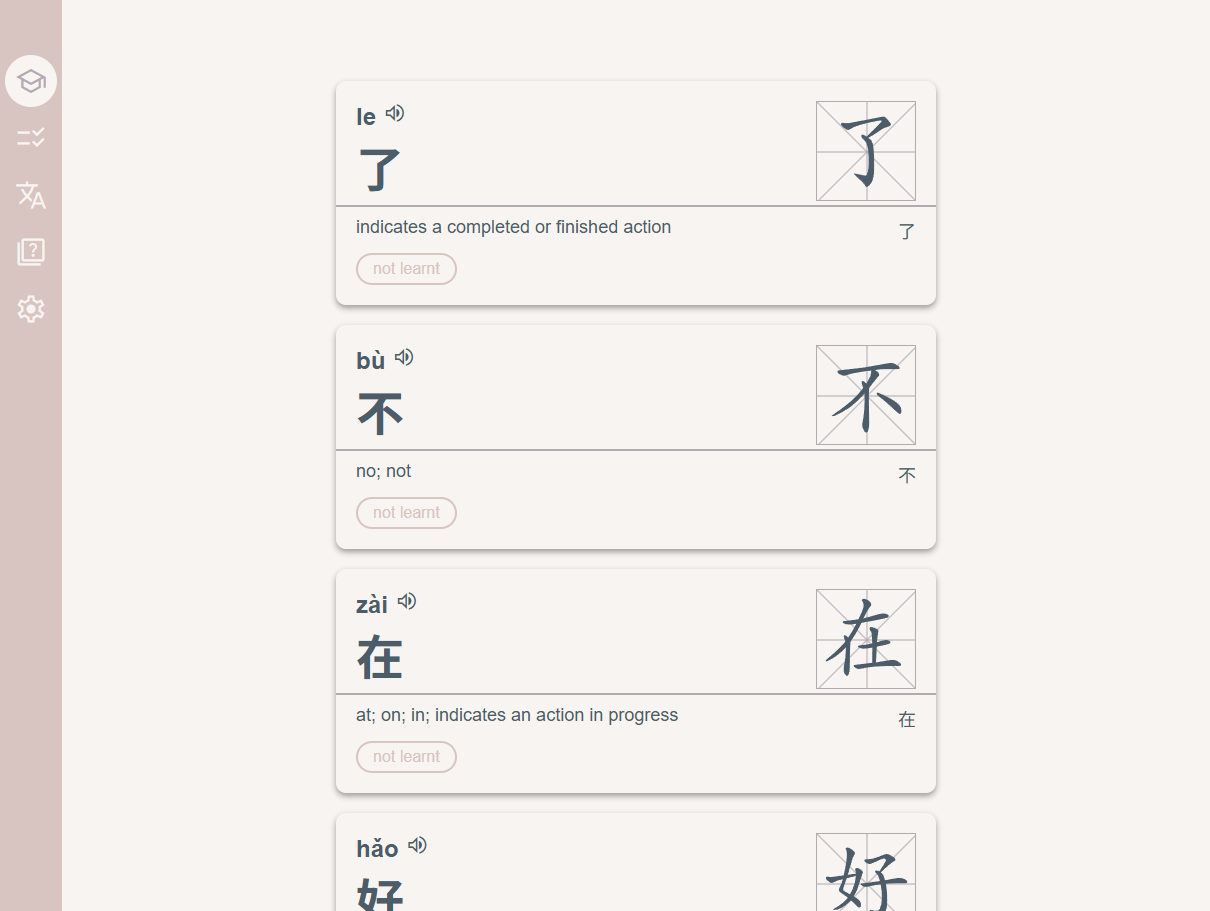
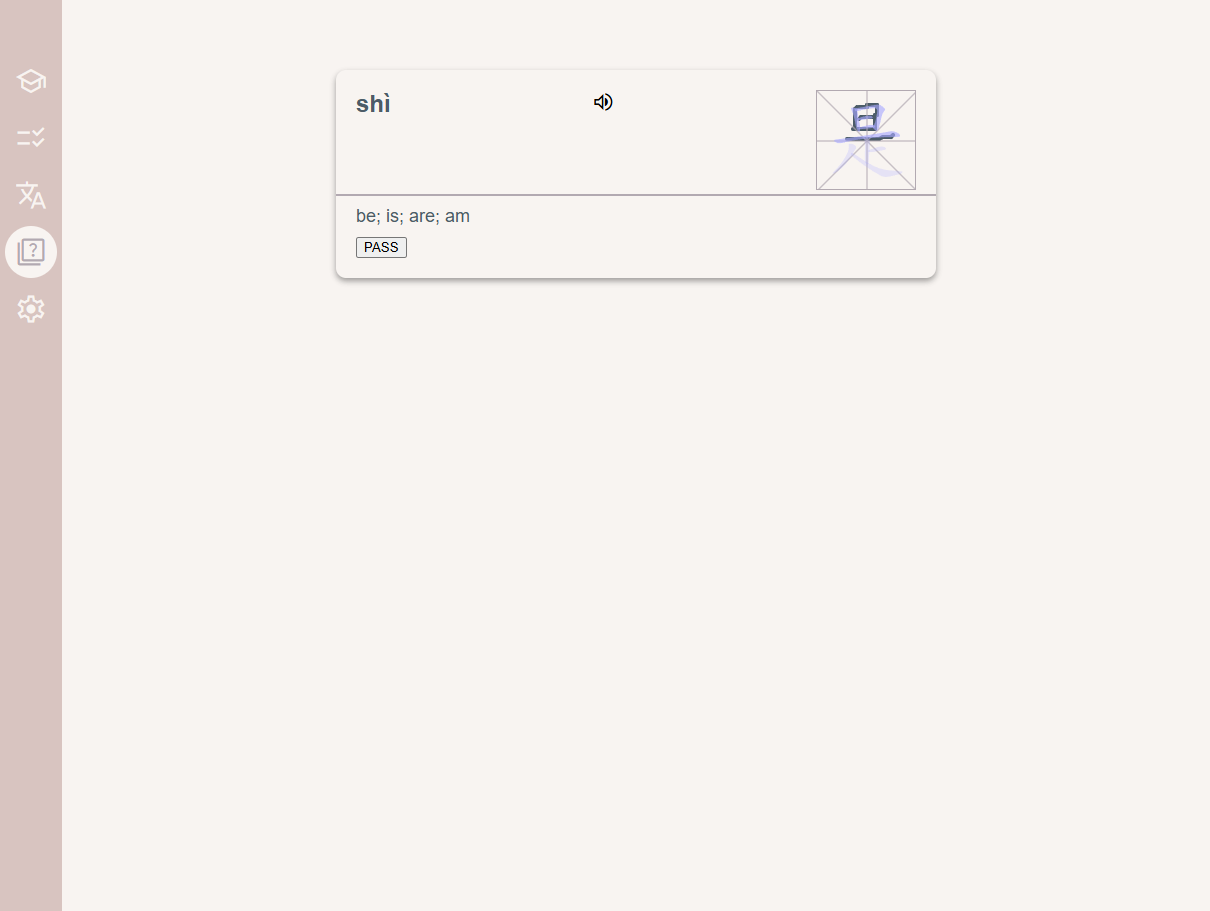
The database stores word dictionary data but also user specific metadata: whether a word is marked as "learnt" and a "repetition Interval" which allowed me to implement a spaced repetition flashcard system. This way I could bring Anki to my website instead of needing to export my website to Anki constantly.
The front end is very simple, basically just a v-for loop on an n object segment of my dictionary. I used this hanzi-writer library for the SVG animations I also added the web speech API so you can hear what the words sounded like.
Note: The web speech API is extremely limited with Chinese due to its inability to pronounce Pinyin. If we take for example the character 了 it can have multiple meanings and unfortunately for me, multiple pronunciations: le and liǎo >:( There is no (from what I can tell) way to get the web speech API to consistently (across browsers) differentiate between 了(le) and 了(liǎo). This sucks because Chinese is absolutely packed to the gills with these homographs. (I tried SSML it didn't really seem to work)
Conclusion
This worked well for the first couple months of self-learning, I think it was one of the first web apps I built that I then used and got value from after development, so there was something pretty special about that too.
I don't think the site is a good long-term replacement for Anki, for a start it just would stop being useful at some point due to the homographs and also the data is significantly too simple to support you the entire way to fluency.
I also pretty well immediately switched to Anki again after I started serious Uni study of Chinese. That said, it still might hold up as a good way to get your foot in the door at least until you're used to seeing and writing characters.
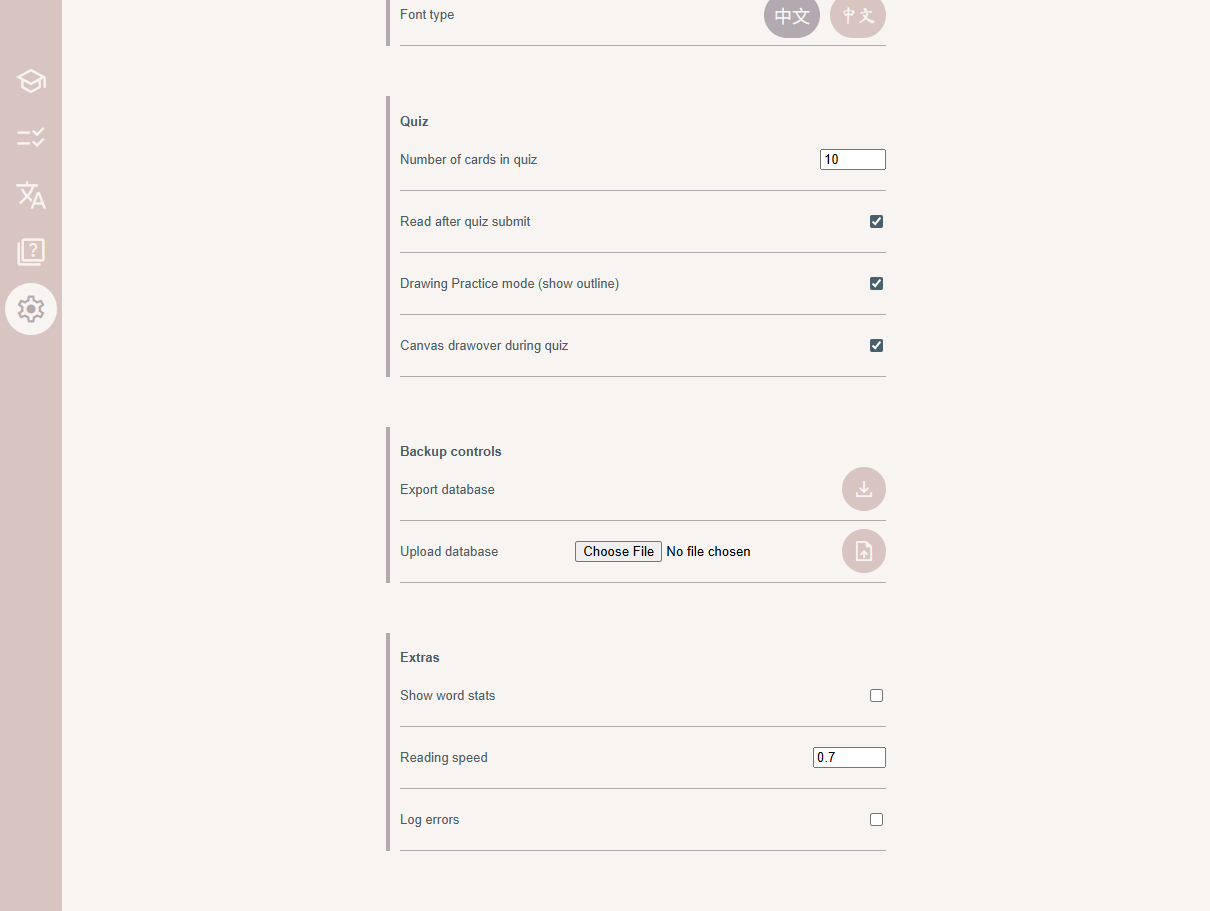
1 / 3
Appendix
In my more recent experiments with Chinese language tools, I've had to be a bit more sophisticated with my data. Below, a more complete dictionary entry for a single character:
json"了": {
	"definitions": [
		{
			"phonetic": "liǎo",
			"translation": [
				"to finish",
				"(used with 得[de2] or 不[bu4] after a verb to express (im)possibility, as in 忘不了[wang4bu5liao3] \"cannot forget\")",
				"(literary) (usually followed by a negative such as 無|无[wu2] or 不[bu4]) completely (not); entirely (not); (not) in the least",
				"to understand clearly (variant of 瞭|了[liao3])"
			]
		},
		{
			"phonetic": "le",
			"translation": [
				"(completed action marker)",
				"(modal particle indicating change of state, situation now)",
				"(modal particle intensifying preceding clause)"
			]
		},
		...
	],
	"id": 4459,
	"langPair": "zh-en",
	"str": "了",
	"alt": "了",
	"frequency_rank": 3,
	"hsk": 1
},